Governance and control
Let local teams publish within their own areas
Local teams know when a department notice, ward announcement, or store opening time needs to change. Requiring a central team to publish every update delays that information. Giving everyone broad access creates a different problem: unrelated screens, content, and settings become available for accidental changes.
Smartsign lets you give a team resources and actions suited to its responsibility while central staff retain shared communication and site-wide administration. Consider several offices that need their own notices as well as company news.
Give each office a working area
Each office can have a screen folder, a local channel, a media folder, template access, and a group for its staff. Groups can also include feeds, data sources, and tag folders where the team needs them. A central communications team owns the company-news channel and makes selected corporate resources available to the offices.
A user profile defines access type and allowed actions. With Group Access, the person's group memberships and any direct assignments determine which resources they can reach. The default-profile overview explains the standard responsibilities.
For an action to be available, the person needs both the resource and the permission. Adding a resource does not grant a missing action; removing one membership may leave access supplied through another group or a direct grant. Site Access reaches across the site, so local groups do not restrict a user who has that access type. Roles and permissions explains those boundaries.
This model is useful when offices can share settings and central administration. Units requiring separate user assignments, resources, settings, and administration need a different decision; Choose how teams share a signage site explains separate sites and their separate license inventories.
Keep common news and local notices independent
Access determines what staff can maintain. Channels and screen assignments determine where the content plays; a group is not a booking audience.
The office's screen folder supplies its normal Channels & layout, active time, and other defaults. Channels and layout are inherited or overridden together, while other settings can have separate overrides. Company news and local notices use separate bookings, so the central and local teams can update their messages independently. Reusable branded designs can keep the presentation familiar while each office changes its text.
A shared reception layout can show the two channels together. Use a booking that targets the location's screen folder to reach the screens there without selecting each display separately. Check that they subscribe to the booking's channel; status, schedule, active time and playable content also govern playback. Publish on channels covers channel and target selection.
Prepare access before the team joins
Choose the profile, memberships, and permitted direct grants before inviting each colleague. The pending user's setup can be reviewed before acceptance. Afterwards, verify both that the person can do local work and that unrelated resources remain inaccessible.
Setting up groups and inviting users covers resource assignments and invitations. Configure screen folders covers inherited playback settings. Agree the audiences and ownership before configuring them.
The same division of work fits more than offices:
- Departments maintain their notices while communications owns company news.
- Wards maintain local information alongside regional healthcare messages.
- Stores update local information while central staff maintain common campaigns.
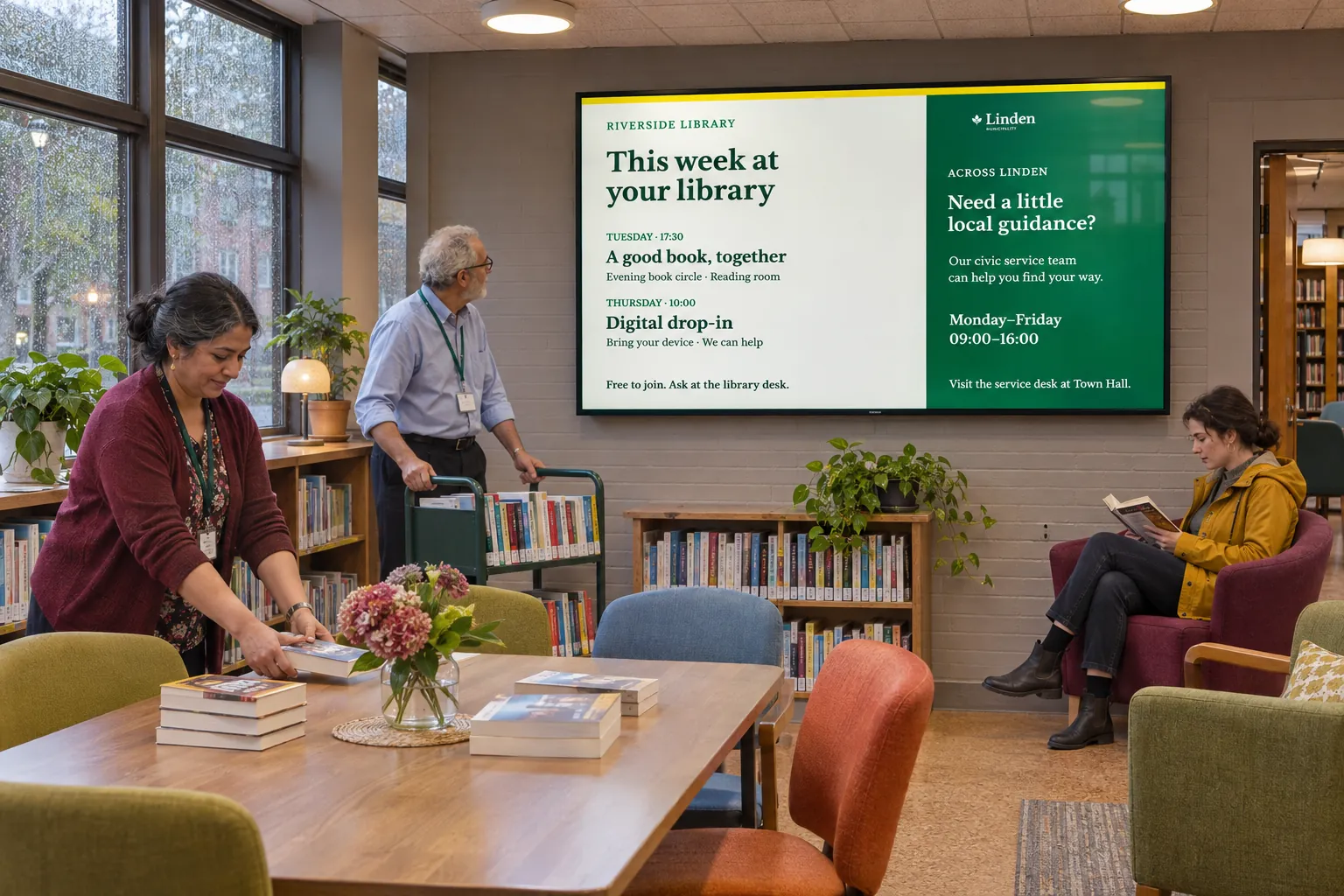
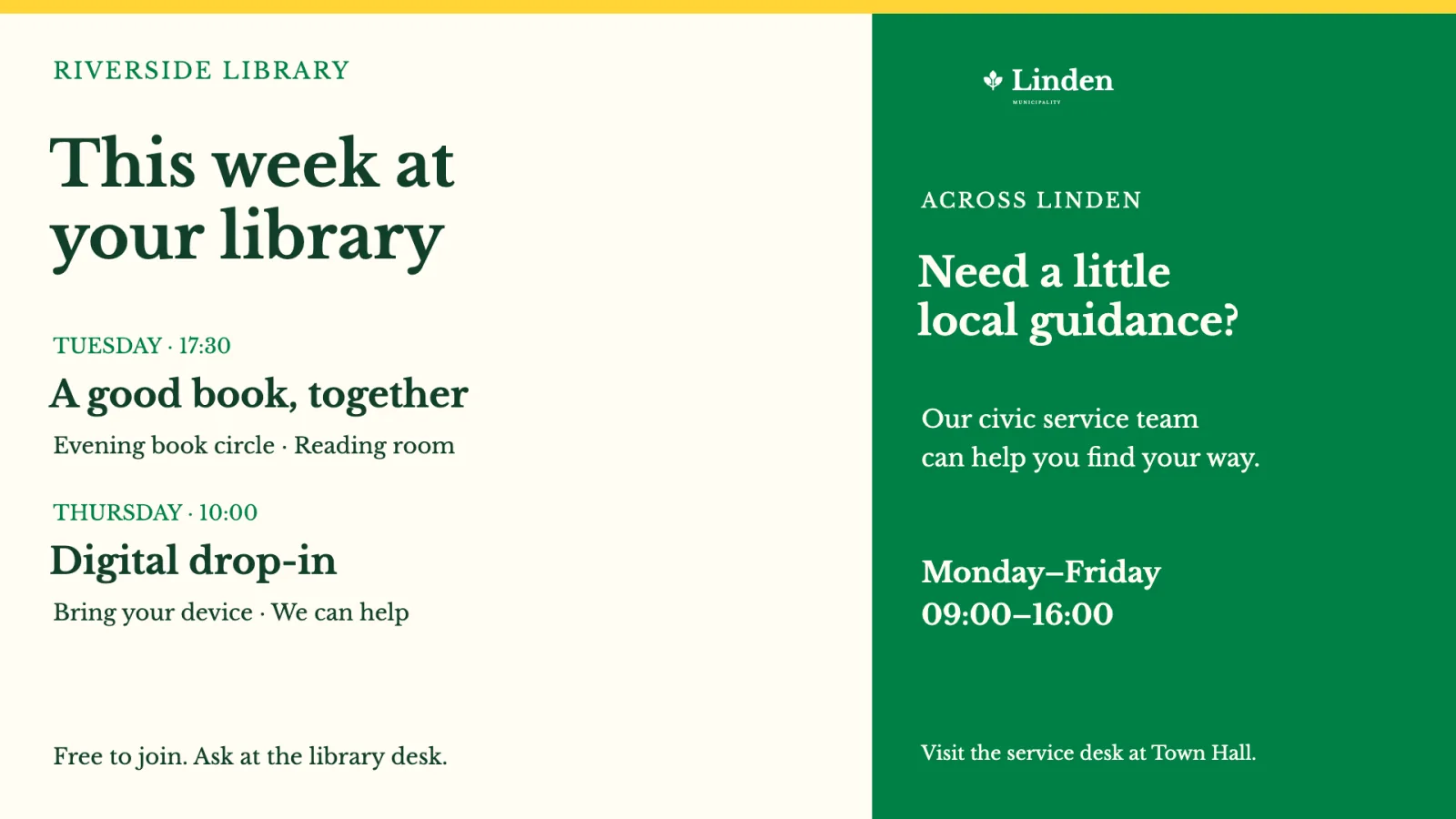
- Schools, libraries, and service offices combine municipal messages with their own announcements.
Profiles and groups also give support teams a way to investigate access: check the required action in the profile and the resource in the assignments.
Keep delegation understandable as teams change
Agree who owns each shared channel and who may change its resources. Sharing corporate material does not itself grant site-wide administration, but editing a shared resource may still affect other teams using it. Use shared channels where screens share a purpose or audience, and avoid overlapping channels whose ownership is unclear.
Keep folders for stable responsibilities and place new screens where they should inherit their setup. Temporary campaigns belong in bookings; tags and tag folders select audiences across the tree. Coordinate shared and local messages across locations covers these setup handoffs and content limits.
Before adding more locations, test one central and one local booking on a virtual test screen or limited pilot. When people change roles, review all their memberships and direct access alongside the profile. The arrangement remains useful only while those assignments match the work people actually do.